Holiday
Weather Planning
Transforming raw forecast data into contextual holiday intelligence — helping TUI customers make confident packing, activity, and booking decisions.
The objective was to move beyond simple forecasting — mapping the user journey into four distinct phases to provide actionable, context-aware insights at every moment.
By synthesizing three years of meteorological data, the UI provides a high-probability "weather window" — replacing hesitation with data-backed reassurance.
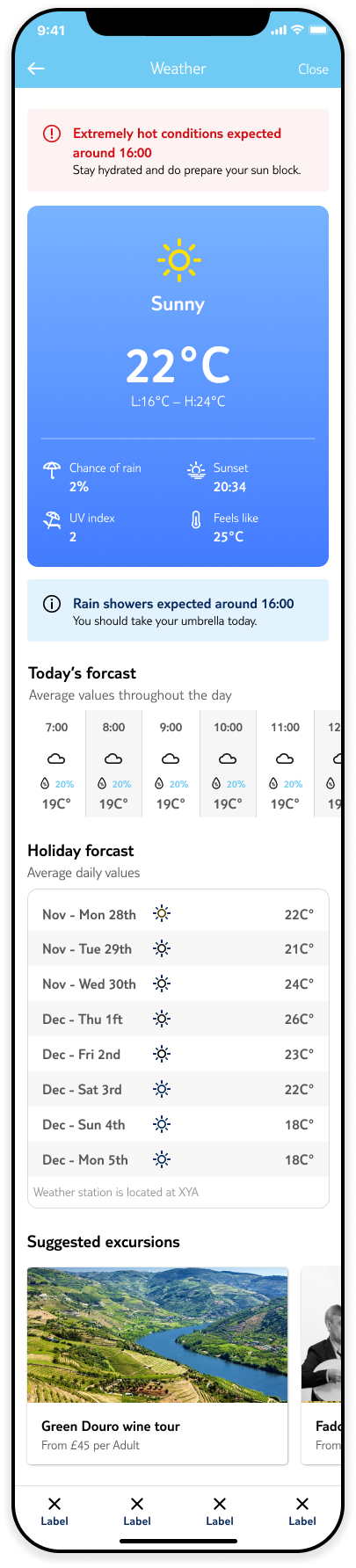
The app triggers a Packing & Prep State — a granular 7-day forecast to help users curate luggage and manage packing anxiety.
Once on the ground, the interface maps live weather to curated local experiences — suggesting indoor passes during downpours, sunset tours on clear evenings.
By synthesizing the "feeling" of the trip, the app triggers personalised recommendations for similar packages — turning past experience into a predictive funnel.
To build a foundation of high-confidence insights, we conducted on-site user interviews, competitive benchmarking, and extensive desk research. By collaborating with customer care teams, we identified recurring pain points and behavioural patterns not visible through data alone.
I developed low-fidelity wireframes targeted at our primary persona: independent family travellers. Through iterative testing, we refined the proposition before a Nordic beta launch — a region with high weather sensitivity.
This led to a critical realisation: the experience needed to be architected across three distinct temporal moments.
Benchmarked 12 travel and weather apps to identify best-in-class patterns and gaps.
24 on-site interviews with past TUI customers across the UK, Germany, and Netherlands.
Two-week diary study tracking pre-trip information-seeking behaviour in real time.
Validated the proposition with 200 Nordic users — a region with high weather sensitivity.
"I don't need to know the temperature in Celsius. I just need to know if I should bring an umbrella or a bikini."
— Edna S., NorwichOur research identified a significant disconnect between standard weather data and the actual traveller experience. Customers weren't asking for more precision — they were asking for someone to translate the data into decisions.
The widget was buried within the app — difficult to find and disconnected from the moments where weather actually mattered.
No unit switching between Celsius and Fahrenheit. Icons were ambiguous and not optimised for dark mode.
The widget displayed only six weather values despite a rich API capable of delivering wind speed, UV index, humidity, and more.
With the problem clearly defined across three user moments, the design work focused on building a solution that adapted to where the customer was in their journey.
Surveyed 200 past customers on weather planning behaviour, plus a two-week diary study with 24 participants.
Worked with the data team to map the full API capability to human-readable guidance — unlocking wind, UV, and humidity signals.
Designed and tested various approaches. Narrative-first consistently outperformed icon-heavy alternatives in comprehension and confidence.
Built the personalisation layer tailoring guidance by resort, travel party type, and booked excursions.
With this in mind, we tested our wireframes with users, ensuring that all prior insights guided our decisions:
The redesign add ressed all three research findings in one connected system. Discoverability was solved by embedding weather insights directly into booking flows
and itinerary planning — not as a separate feature, but as a contextual layer woven throughout the app .
Instead of displaying 23°C and a cloud icon, the feature now generates a daily narrative : "Warm and mostly sunny — great for the beach in the afternoon. Brief
shower expected around midday, plan indoor time then." A contextual packing list — automatically generated from the 14 -day forecast — gave customers a pre-
trip planning tool they'd never had before. Activity suitability ratings, linked to booked excursions, reduced uncertainty-driven cancellations and deepened
engagement throughout the pre-trip period.
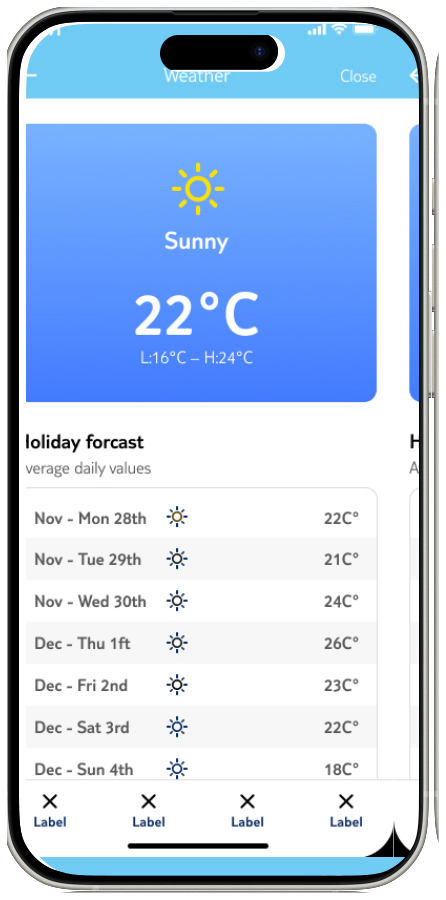
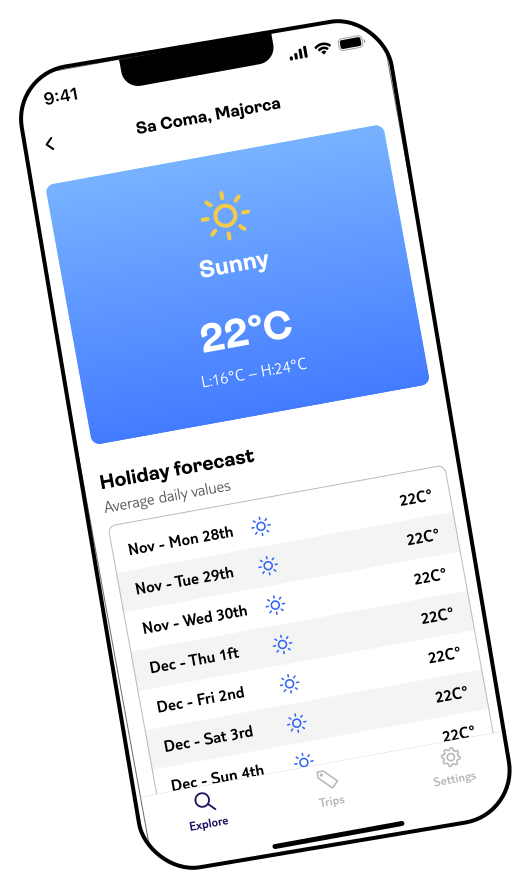
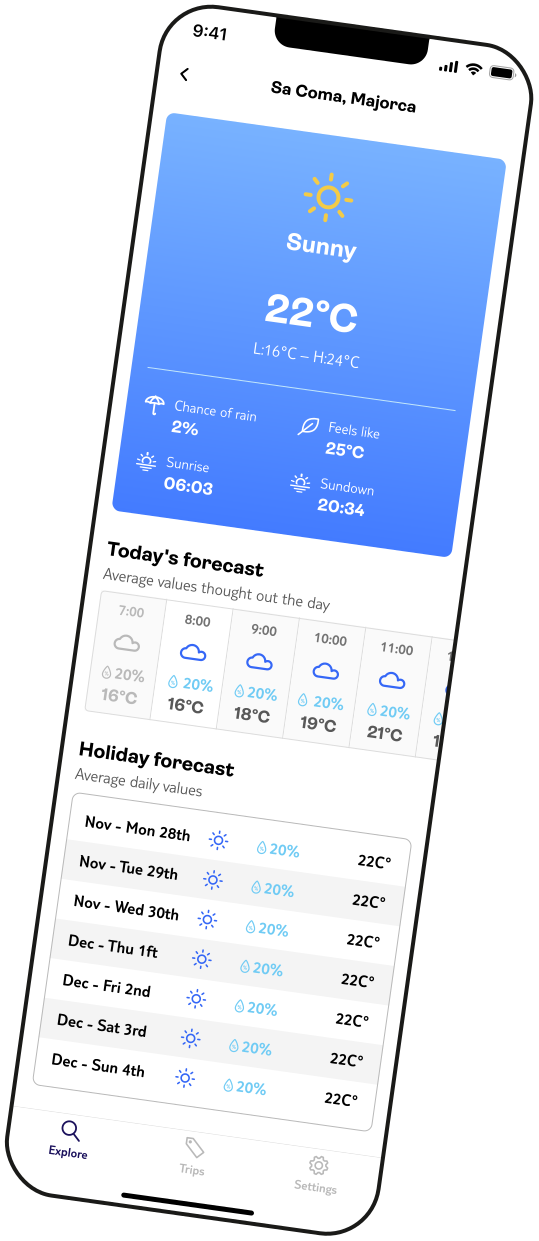
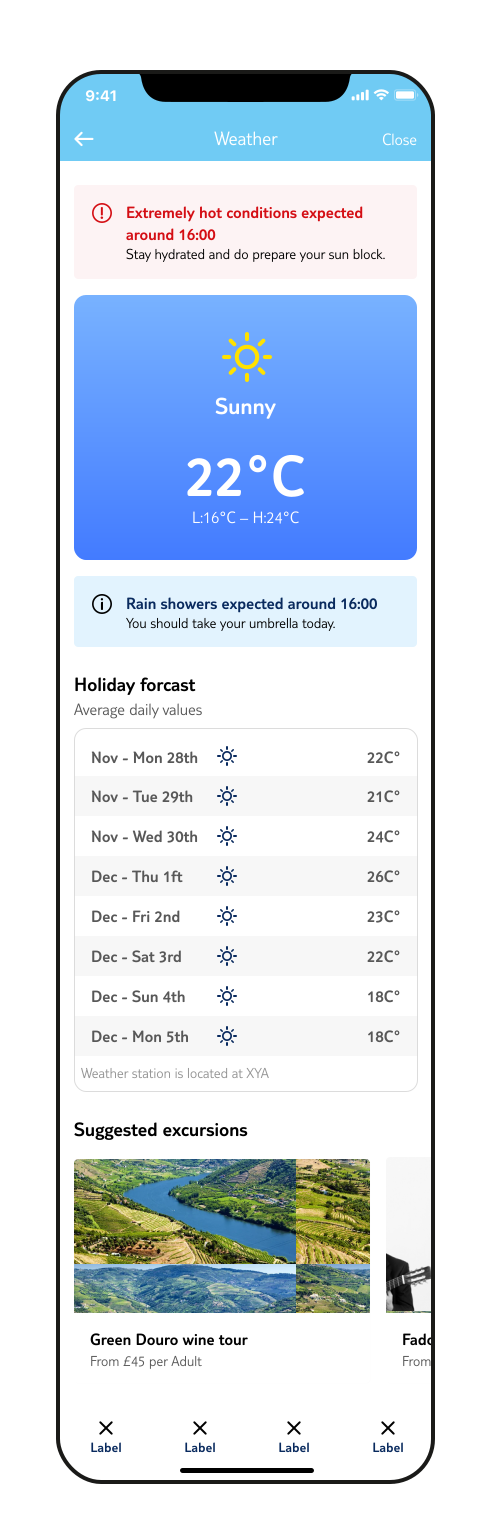
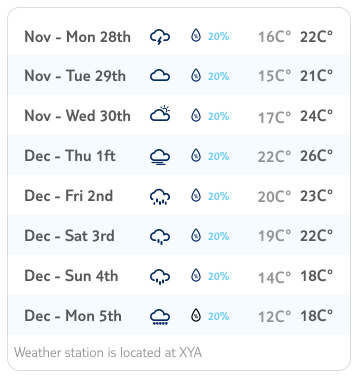
In the planned complete version of the Holiday Forecast , set for Milestone 2, we will enhance the table by adding the chance of precipitation and the expected high and low temperatures for each day. We will also update the zebra pattern.
This will provide users with more detailed and comprehensive weather information to better plan their activities.
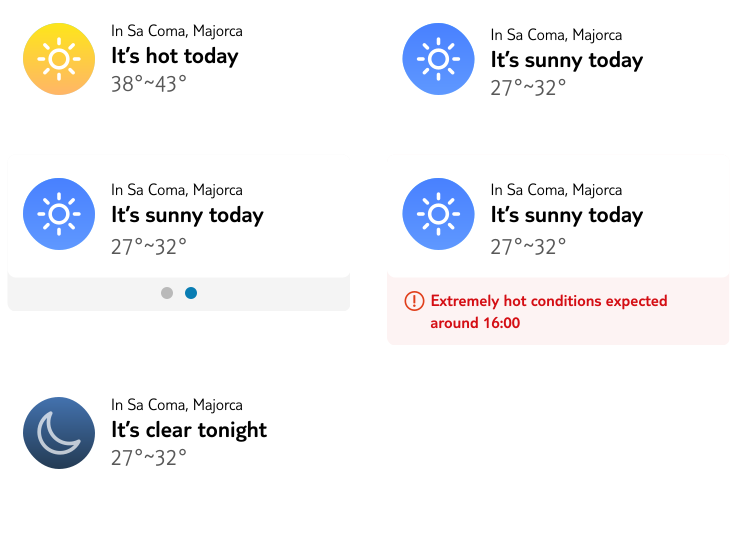
This widget is designed to inform users about weather conditions and can be integrated into the booking or detail pages within theapp. Additionally, it functions as a standalone widget, allowing users to place it on their home or lock screens for quick access to weather updates.
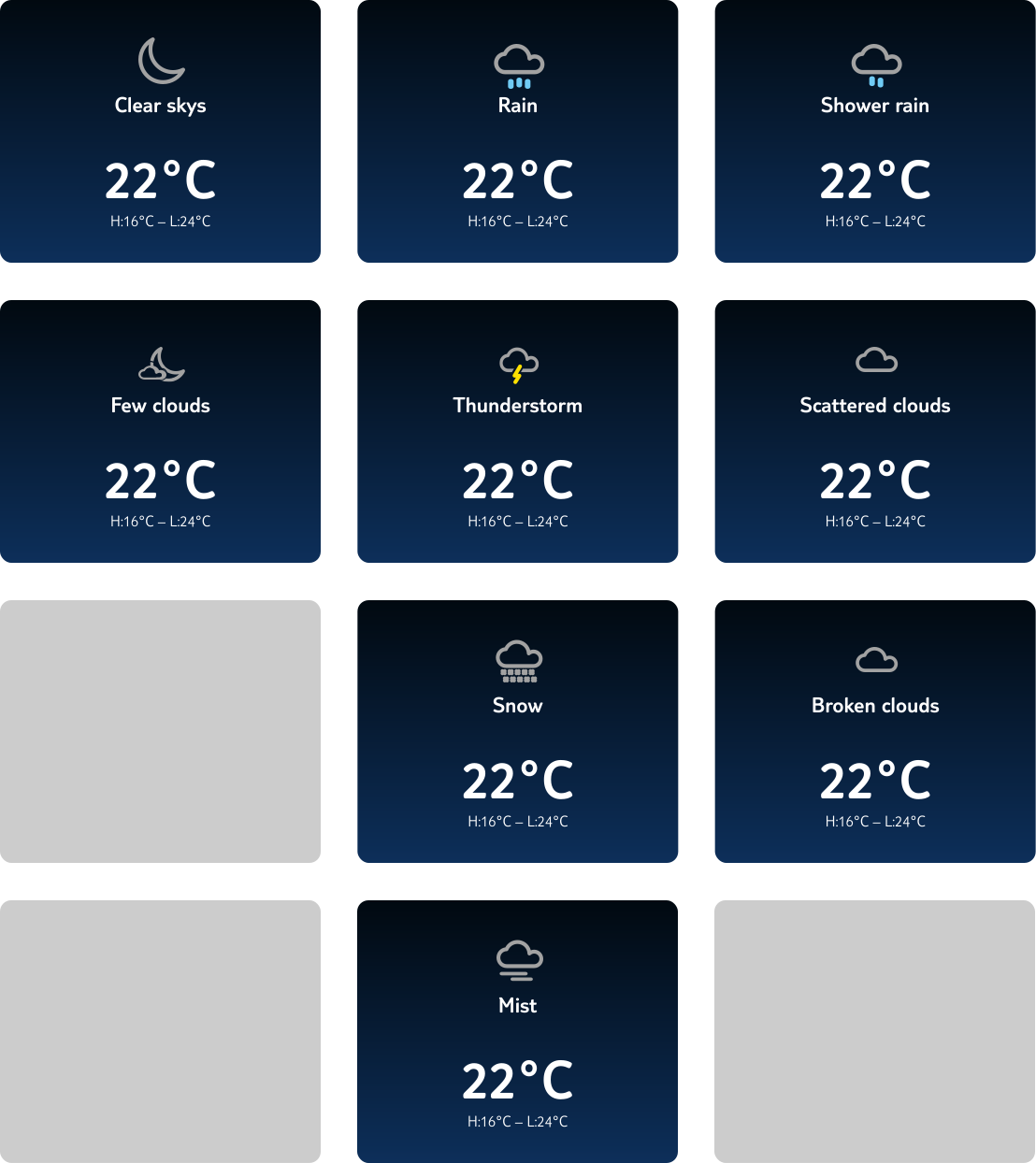
The icons marked with * are considered secondary, as they will not be displayed i n the header. These icons are intended for more detailed weather insights within specific sections of the app, providing additional context without cluttering the primary interface.
The feature drove a 14% increase in pre-trip app engagement, achieved a 4.2-star rating in post-launch surveys, and reduced weather-related service contacts by 8% in launch markets.
By addressing discoverability, the weather feature became one of the most-accessed areas of the app in the two weeks before departure.
The research made one thing undeniable: customers weren't asking for more data — they were asking for someone to tell them what the data meant in their specific context. The challenge was as much editorial as visual.
Deciding what to surface at each moment — months out, two weeks out, on the ground — was harder than any interface decision. Getting the timing right was the real design problem.
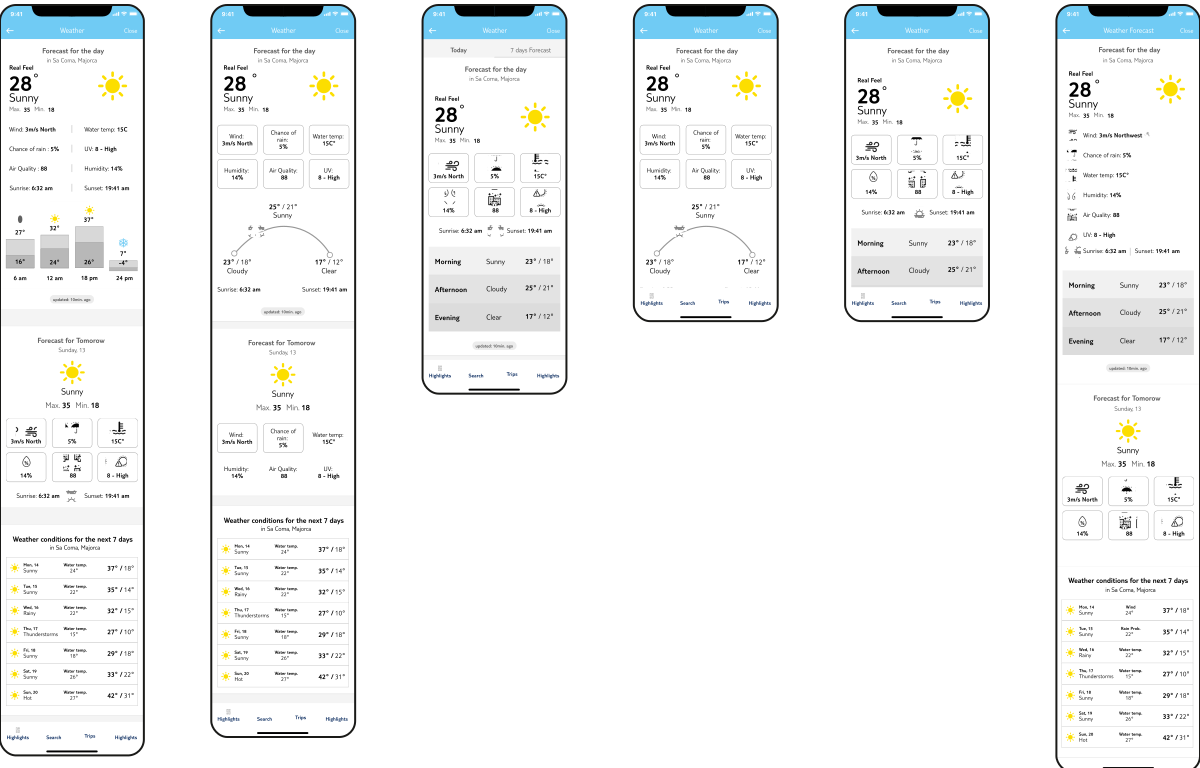
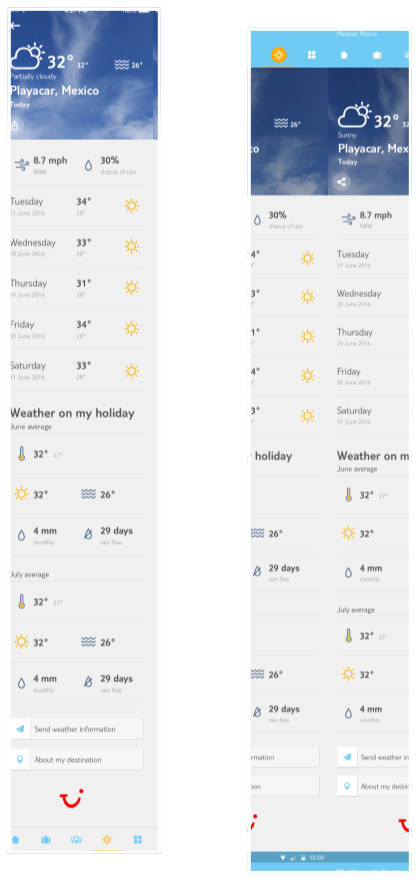
The previous version.